

5 free time-saving Windows apps every PC should have
Whether you’re setting up a new Windows PC or looking to enhance your current setup, there are some life-changing apps you can grab for free that will transform how you use your computer.
From screen grabbing to file searching to quick launching and more, these essential apps will supercharge your productivity—all for the low, low price of nothing.
ShareX: Screen captures and then some
Windows includes a basic screen-capture tool. Don’t settle for it, though: Get ShareX, which rivals even paid screen-grabbers. You can create custom-capture regions that remember your preferences, set up automatic uploads with instant-link copying, and configure workflows that process and organize your captures.
While the capturing features work great on their own, it’s the mind-boggling number of post-capture features that set this gem apart. If you’re looking for a capture tool that does it all for nothing at all, this is it.

Everything: File search that just works
If Windows Search feels to you like it hasn’t evolved since the Clinton administration, Everything won’t leave you hanging. Instead of laboriously indexing entire files, Everything indexes just file and folder names, which means it can wrap its head around a clean Windows installation in about a second.
Its powerful search syntax then helps you quickly find recent documents, filter by size to free up storage space, and create bookmarks for frequently searched folders.

PowerToys: Microsoft’s best-kept secret
Microsoft’s free PowerToys is a productivity suite that packs features that arguably should’ve been built into Windows from the start. FancyZones lets you create custom window layouts that snap into place. PowerRename handles bulk-file operations. Text Extractor grabs text from images or non-selectable. Mouse Without Borders lets you use a single mouse and keyboard on up to four computers.
Those are just a few of the cavalcade of time-savers included with this excellent utility. If you haven’t already, get it installed and start reaping its benefits.

AutoHotkey: Automate anything
If you invest the time to learn how to use it, AutoHotkey will become the digital assistant you can’t believe you ever lived without. Create custom keyboard shortcuts for just about anything, auto-fill forms with frequently used text, or launch multiple programs with a single command.
The real power lies in its ability to chain commands together. With a bit of creativity, you can automate entire workflows that used to take dozens of clicks.

Flow Launcher: Get there faster
Flow Launcher is a little window that delivers huge time savings. Open it with a customizable key combination, start typing, and let it handle the rest. Use it to quickly launch apps, control music, search the web, run system commands, and more—all without having to click your way through a bunch of menus and windows.
It’s also got an excellent community-driven plugin ecosystem that lets you add features like password management, weather checking, and smart-home-device control.
Originally published by fastcompany.com. Syndicated material does not necessarily reflect the views of Grazia British.
More Culture

Don’t Pull Out of Germany
Merz’s stupidity is no excuse for a stupid response. Source link
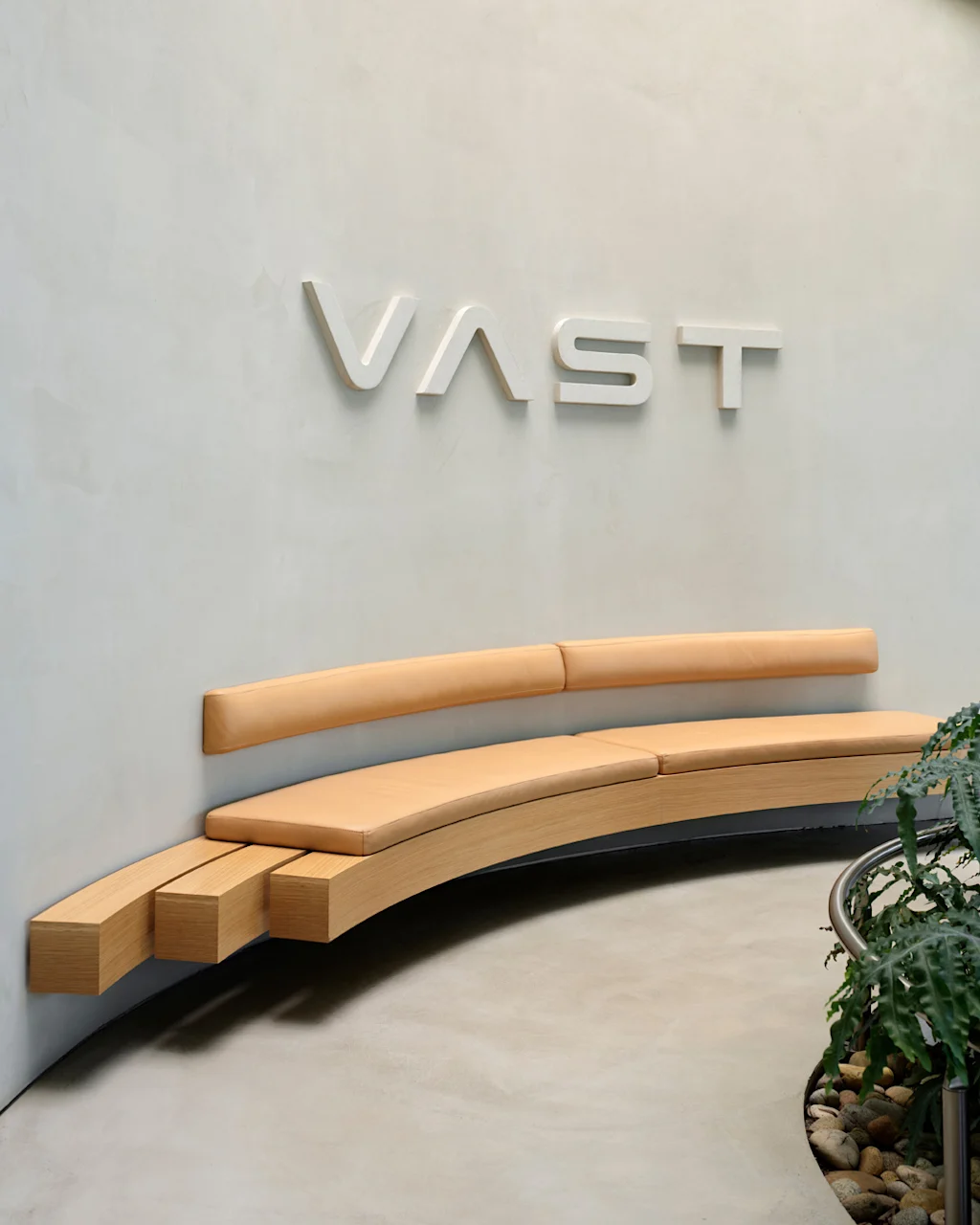
Step inside the gorgeous, futuristic offices of Vast, the startup designing the next-gen space station
A tall baobab tree greets people inside the Long Beach, California, headquarters of Vast, an aerospace company that is building the space station of the future. It’s planted beneath a…

5 ways high-performing teams stay calm when everything’s on fire
When markets swing, plans break, inboxes explode, and everyone starts saying the situation is “unprecedented” again, most teams do what humans have always done under pressure: they grip…

Confused Trump Openly Admits Plot to Rig Midterms as Polls Turn Brutal
Last week, the Supreme Court gutted protections against racial gerrymandering, and Donald Trump is already urging Republicans to seize on it. Trump unleashed a Truth Social rant on Monday…