
5 lesser-known Google Pixel phone tricks to make your life a little easier
Journey with me back to the good old days, if you will. There was a time that, when you’d buy a gadget, it’d come with a sometimes verbose but often helpful “instruction manual.”
Not a quick start guide: an honest-to-goodness manual that you could pore through. Your patience and attention to detail would be rewarded, as you’d learn tons of helpful tips and tricks that you’d almost certainly never stumble upon on your own.
Those days are gone. I’m not entirely sure when this became a thing but I do recall opening an Apple gadget many years ago and wondering if they’d forgotten to include the manual.
Anyway.
The point is that I’ve had my Pixel 9 for months and months, and I finally got around to digging into its many features and functionality. And, indeed, I found some stuff that was unexpected, and pretty great.
Quick Tap Shortcuts
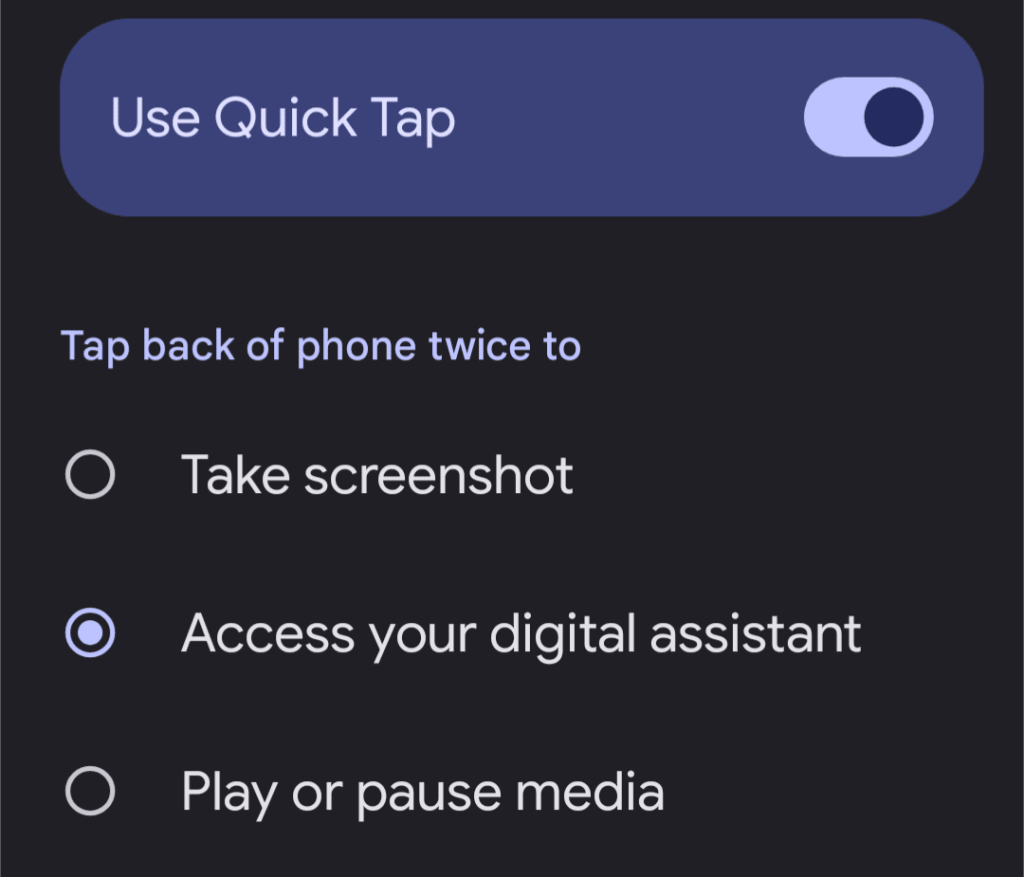
We’ll start with my favorite. Dive into Settings > System > Gestures > “Quick tap to start actions” and prepare to be mildly surprised.
You can set it to take a screenshot, summon the Google Assistant, pause or resume media, or even open a specific app.
Once you’ve made your choice, thwap-thwap the back of your phone with your index finger while you’re holding it and see what happens. I know, right?!
Notification History
Ever dismiss a notification in a fit of overwhelmed rage and then realize it was actually important?
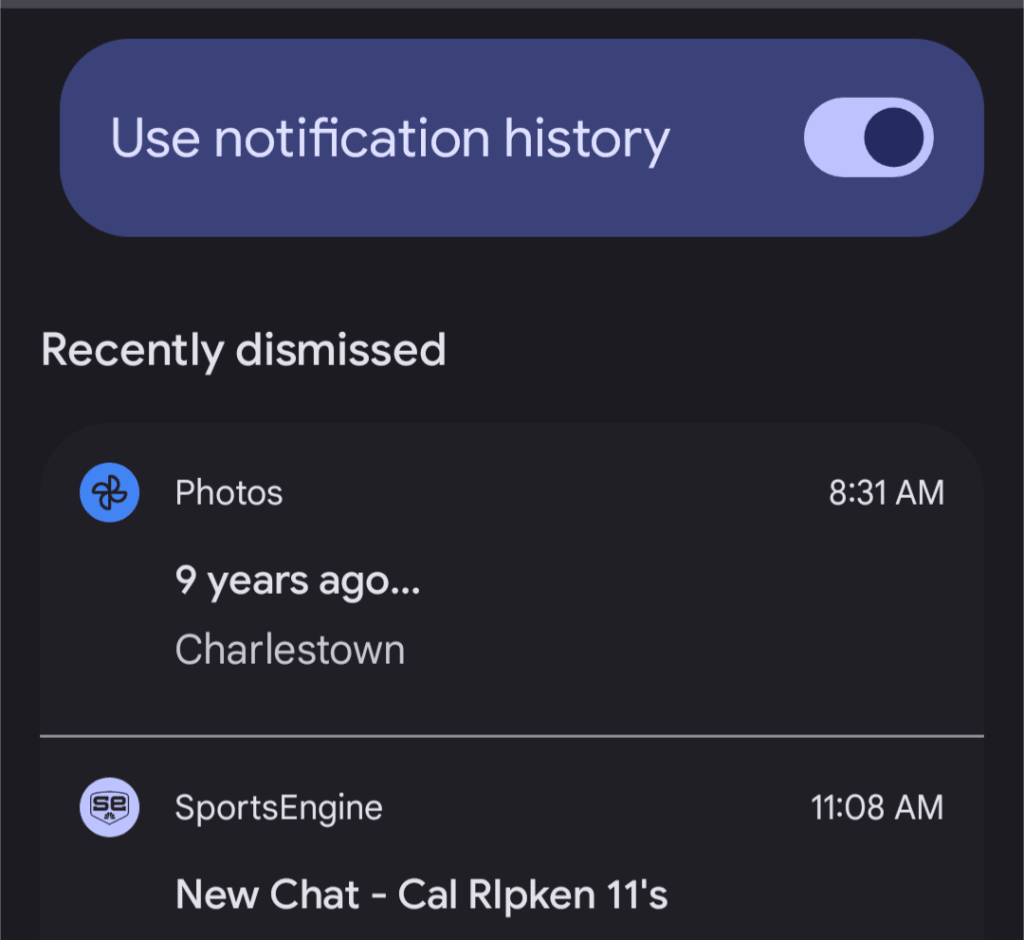
Your Pixel has a built-in safety net. The “Notification History” feature keeps a log of all your recent notifications, even the ones you swiped away in a moment of haste.
To find it, go to Settings > Notifications > Notification History and make sure it’s turned on. You’ll never miss a crucial alert again.
Hold For Me
OK, this one isn’t entirely unknown, but if you haven’t experienced its glorious potential, you’re missing out.
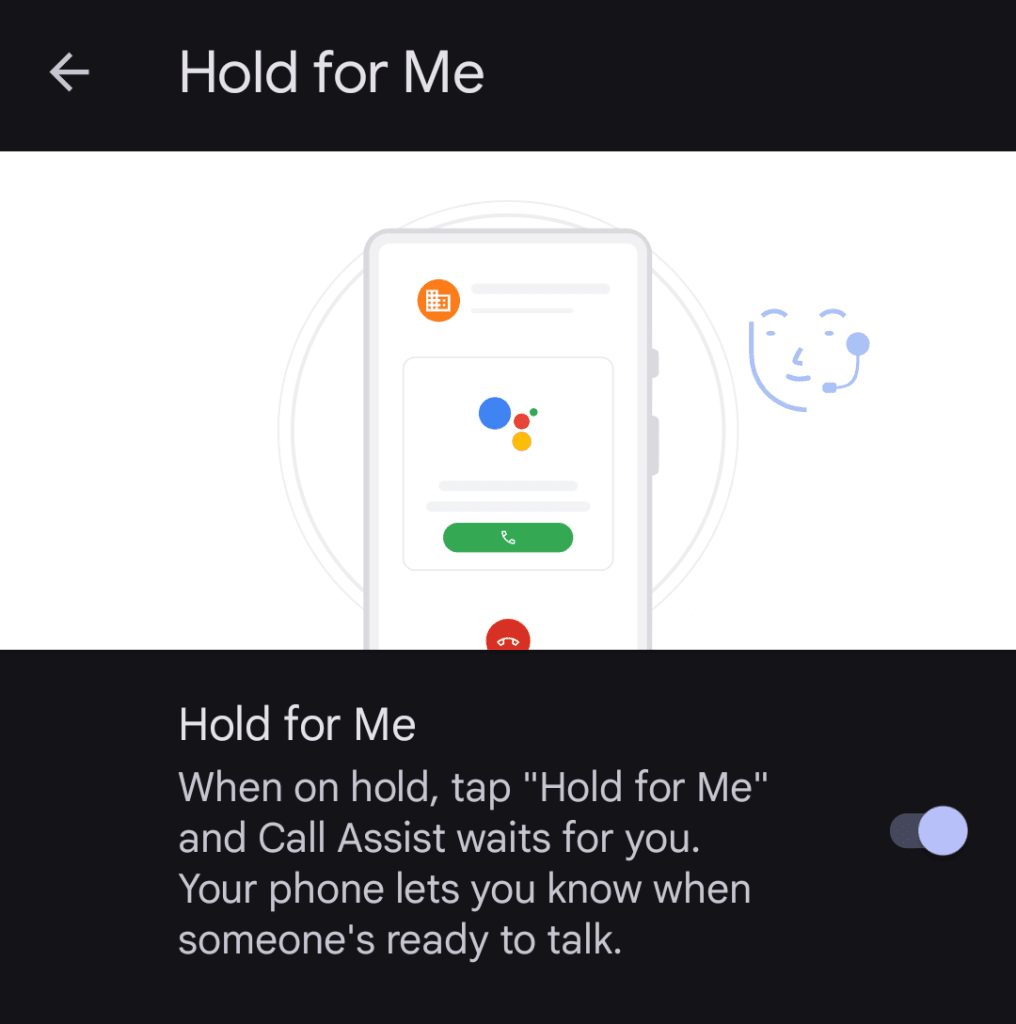
If you’re on a call and you find yourself trapped in the endless purgatory of hold music, keep an eye out for the “Hold for me” button.
Tap it, and your Pixel will listen for a real human voice on the other end. When someone actually picks up, you’ll get a notification to jump back onto the call.
It’s not foolproof, but when it works, it feels like a tiny miracle.
Long Screenshots
Taking a screenshot of a long web page or conversation used to be a multistep dance of multiple captures. But your Pixel has a hidden superpower: scrolling screenshots.
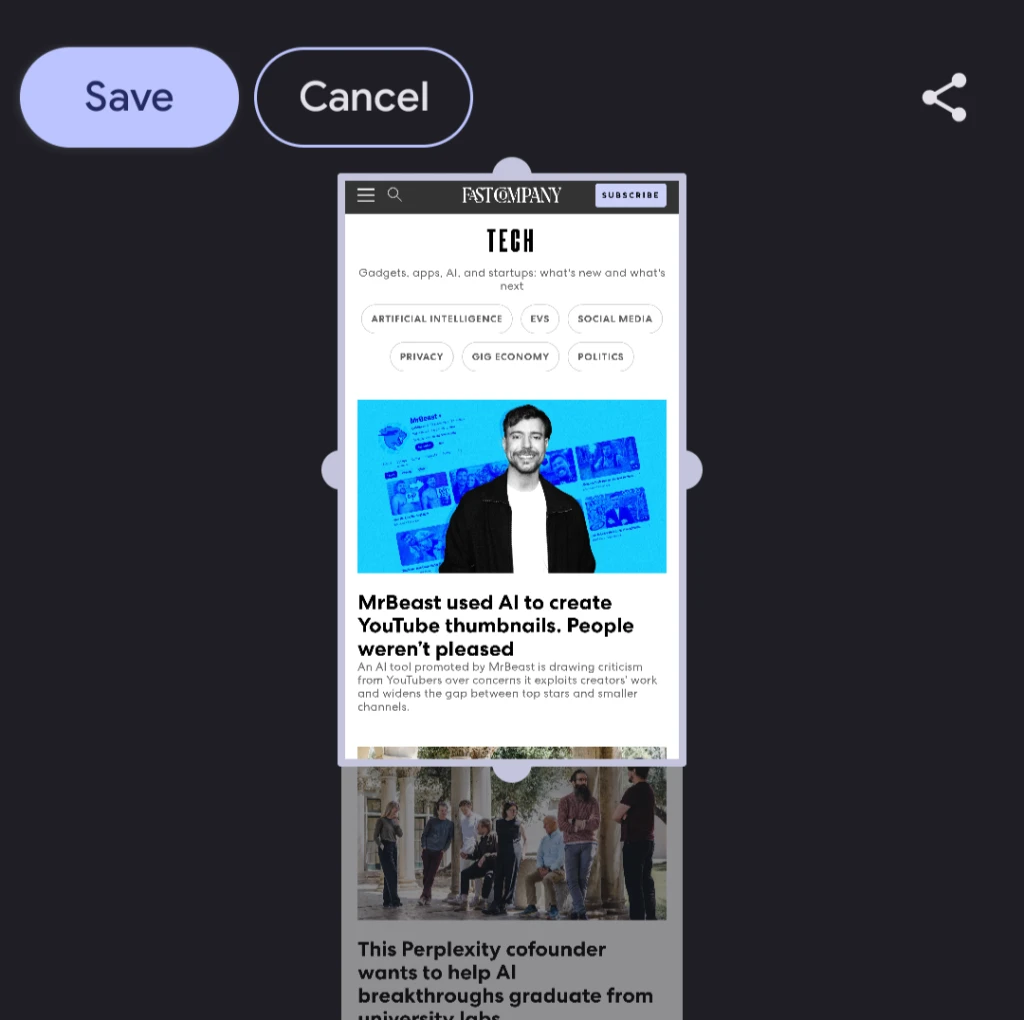
Take a regular screenshot (power + volume down). Instead of just disappearing, a little “Capture more” button—an icon with up and down arrows—will often appear at the bottom.
Tap it, and you can drag the borders to capture the entire scrollable content. It’s great for saving entire articles or those lengthy text message threads where you’re trying to win an argument with someone by using their past words against them. So much drama.
Adaptive Vibration
Tucked away in Settings > Sound & vibration > “Adaptive vibration,” you’ll find a feature that subtly adjusts your phone’s vibration intensity based on your surroundings.
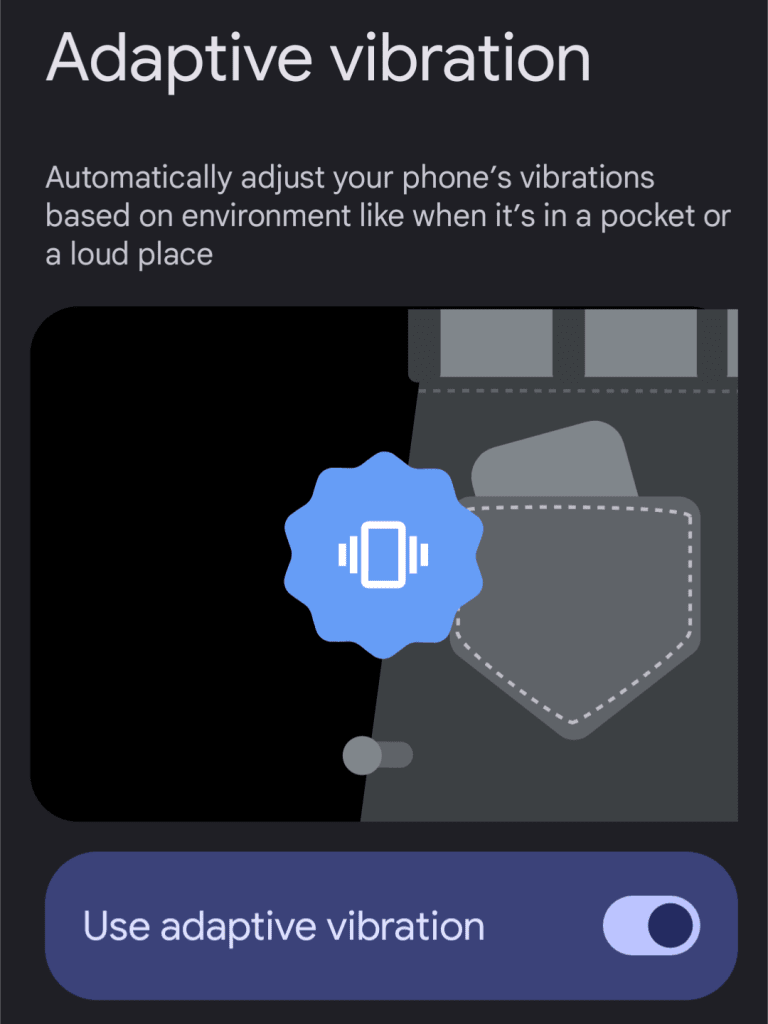
In a quiet room, your notifications might be softer. In a noisy environment or if your phone’s in your pocket, they’ll intelligently boost themselves so you don’t miss crucial calls or messages.
It’s not a night-and-day difference, but it’s one of those subtle Pixel touches that makes living with the phone just a little bit nicer.
Originally published by fastcompany.com. Syndicated material does not necessarily reflect the views of Grazia British.
More Culture

Don’t Pull Out of Germany
Merz’s stupidity is no excuse for a stupid response. Source link

Step inside the gorgeous, futuristic offices of Vast, the startup designing the next-gen space station
A tall baobab tree greets people inside the Long Beach, California, headquarters of Vast, an aerospace company that is building the space station of the future. It’s planted beneath a…

5 ways high-performing teams stay calm when everything’s on fire
When markets swing, plans break, inboxes explode, and everyone starts saying the situation is “unprecedented” again, most teams do what humans have always done under pressure: they grip…

Confused Trump Openly Admits Plot to Rig Midterms as Polls Turn Brutal
Last week, the Supreme Court gutted protections against racial gerrymandering, and Donald Trump is already urging Republicans to seize on it. Trump unleashed a Truth Social rant on Monday…